
Free Padlet
Wall-style collaborative posting space for class discussion, resource sharing, and group exhibits.
A free, browser-based tool from our library of 54+ free Ed Tools — built for our own classrooms and shared with Singapore trainers and educators.
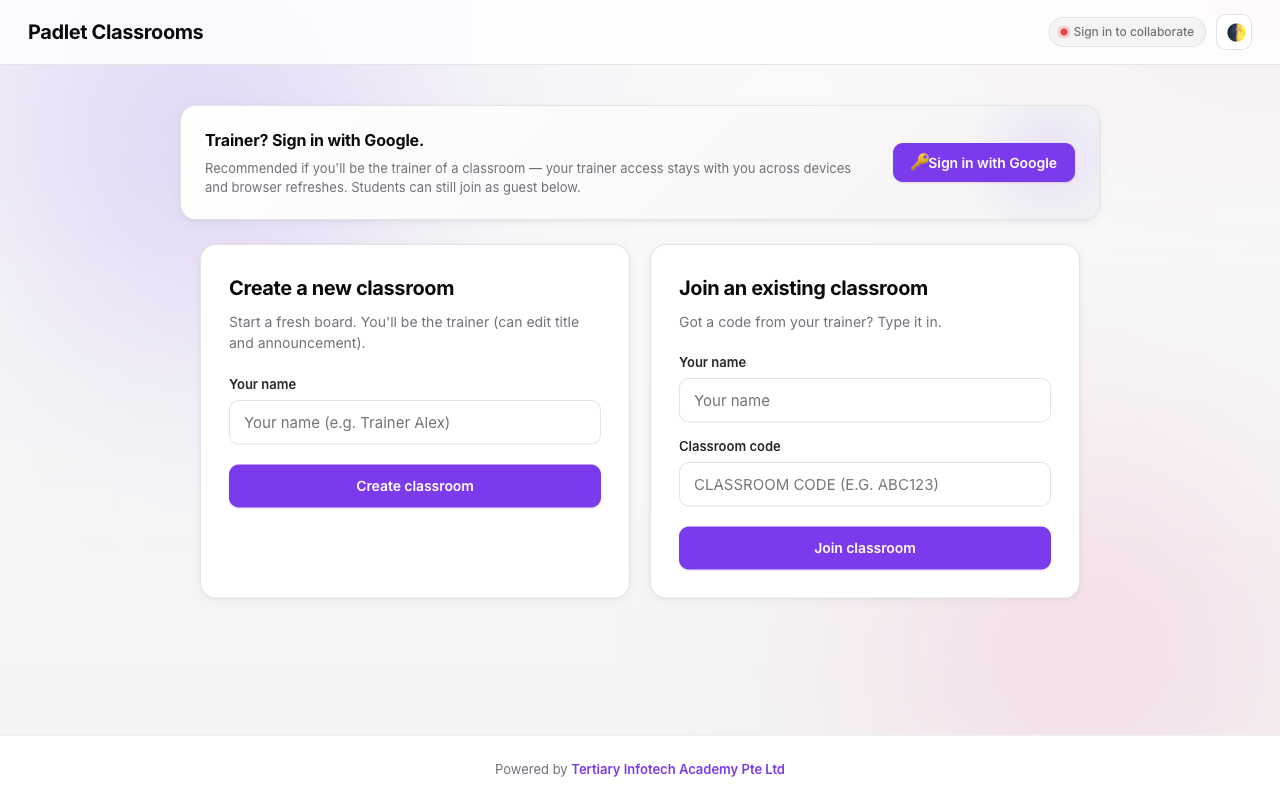
About Padlet
Wall-style collaborative posting space for class discussion, resource sharing, and group exhibits.
Key features
- Sticky-note style posts with image + link attachments
- Trainer moderation controls
- Export the wall as PDF for assessment
Built with
Who uses Padlet?
Singapore training providers, WSQ ATOs, corporate L&D teams, and educational institutes use Padlet inside our AI-LMS-TMS and e-learning deployments. Whether you need a single tool integrated into your existing classroom workflow or the full 54-tool suite, we scope, deploy, and train your organisation end-to-end.
Padlet — frequently asked questions
Is Padlet free to use?
Yes. Padlet is completely free and runs in your browser — there is no signup, licence fee, or trial limit. Tertiary Infotech Academy built it for our own interactive classroom sessions and made it openly available to trainers and educators.
Do I need to install anything to use Padlet?
No. Padlet is a browser-based tool — just open the live demo on any modern device. Learners can usually join from a single link with no accounts required.
Can I use Padlet inside my own LMS or training programme?
Yes. We can brand, integrate, and deploy Padlet — or the full suite of 54+ Ed Tools — inside your own Learning / Training Management System with WSQ/TPQA-compliant workflows. Enquire using the form and a consultant will reply within one business day.
Is the source code for Padlet available?
Yes. Padlet is open-source — you can view the code on GitHub at github.com/alfredang/padlet.
Want Padlet branded inside your own LMS?
The tool is free to use as-is. To bundle, brand, or custom-build it into your training platform, tell us what you need — we reply within one business day.
No spam · your details are never shared · trusted by Singapore training providers.
More free tools in Interactive Classroom
All Free Ed ToolsIce Breaker
Engaging icebreaker activities to warm up a class — quick games, prompts, and pair-shares for new cohorts.
Pinboard
Padlet-style sticky-note canvas for collaborative brainstorming, retrospectives, and idea capture.
Break Timer
Musical countdown timer for class breaks — keeps the room in sync, brings everyone back on time.
Word Cloud
Live word-cloud generator — learners contribute words on their phones and watch the cloud grow on the projector.
Flash Cards
Digital flashcard system with spaced repetition for vocabulary, terminology, and certification prep.
Live Q&A
Real-time audience Q&A — learners submit questions and upvote others, trainer answers in priority order.
Bring Padlet and 54+ Ed Tools into your own LMS / TMS
WSQ/TPQA-compliant workflows, SSG API integration, Singapore data residency, and your learner data migrated — scoped at a fixed fee with a typical four-week go-live.